
Quran audio repeat practice can be more than hearing a beautiful recitation again. Used deliberately, it creates a small practice loop: hear a teacher-approved model, stop the sound, recite from the text, and bring one uncertainty to a teacher. The purpose is active recitation—not leaving a playlist running and hoping familiarity will correct your reading.
This method is useful when a short passage is within your current reading level and your teacher has given you a specific feature to notice. It does not replace live correction: a recording can model a sound, pause, and pace, but it cannot hear what your mouth and tongue are doing or certify your attempt.
What makes repeat practice different from replaying audio?
In ordinary listening, the reciter remains the centre of the activity. In repeat practice, the recording is a reference that deliberately gives way to your own voice. A verse or short passage plays, you pause it at a sensible boundary, and you recite while the device is silent. Then you listen again or review your note with one question in mind.
That difference matters. A looped playlist does not show whether you reproduced the articulation, elongation, connection, or stopping point correctly. For context on the limits of audio-only learning, see whether listening alone can teach the Quran. This article narrows the task to what you do between playbacks.
Prepare the passage before pressing play
Choose one short, teacher-approved verse or passage. It should be specific enough that you can find the same words quickly and short enough that you can recite without rushing. Do not choose a section solely because an app makes it easy to loop. Ask your teacher for a safe starting and stopping point, especially if a phrase is long. Avoid cutting or stopping arbitrarily within a verse; if the passage is difficult to manage in one breath or audio segment, ask where to pause and how to resume.
Open the Arabic text in a readable format and keep your eyes on it while the model plays. Use the same script or mushaf format you normally study from where practical. If visual marks or script conventions are unfamiliar, a guide to Uthmani and Indo-Pak Quran scripts may help you discuss the presentation with your teacher.
Select a clear recording that matches the recitation being learned. If your teacher has assigned a reciter, follow that choice. A naturally measured reciter is often easier to follow than a fast performance. Use normal speed for main practice. Reduced speed can be an optional navigation aid for locating a sound or pause, but it is not a tajweed timing reference; return to ordinary speed before your attempt.
The listen–pause–check method
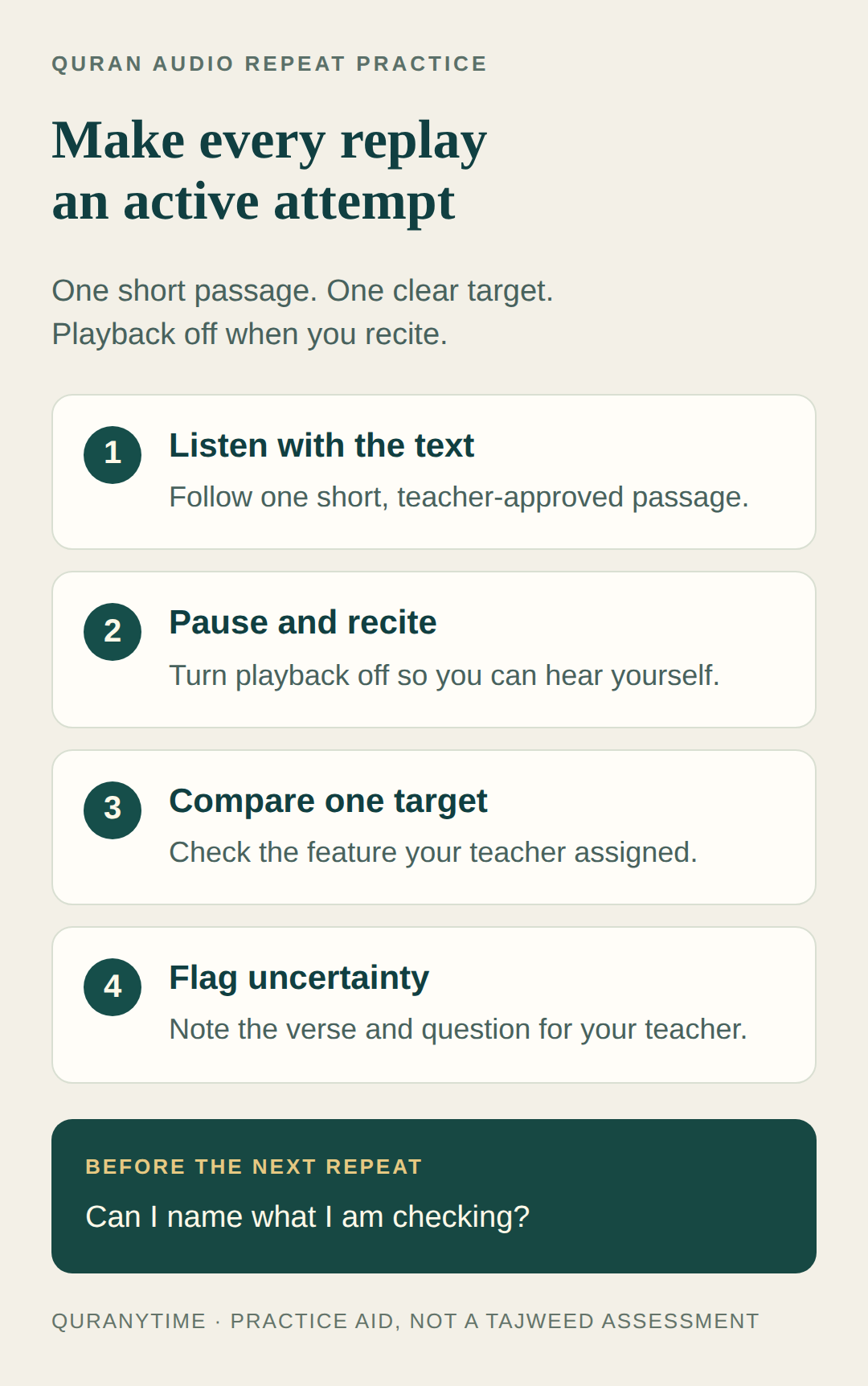
1. Listen with the text
Play the selected verse or passage while tracking each word on the page. Listen for the one target your teacher assigned: perhaps a particular articulation, a connection, an elongation, or an agreed stopping point. Do not try to grade every feature at once. If you are working from a recent lesson, your Quran lesson notes can remind you what the target was and where it appeared.
Let the recording finish at the teacher-approved boundary. Notice the sound, but resist speaking over it. Talking along with the audio makes it harder to know which voice you are hearing and can hide a hesitation that deserves attention. One attentive listen is more useful than a long, distracted chain of repeats.
2. Pause and recite
Turn playback off, not merely down. Look at the same text and recite the passage yourself at a comfortable pace. Keep the model out of your ears so you can hear your own reading. If you lose your place, look back to the page rather than guessing or forcing the line to continue.
The aim is not to imitate the reciter’s personality, pitch, or speed. Keep your reading within the pace your teacher has approved. If the assigned phrase is too long for a calm attempt, stop at the agreed point and ask for a suitable way to resume. A guide to Quran stopping signs can provide background, but your teacher should connect any stopping guidance to your specific lesson and reading level.
3. Compare one target
Turn the audio back on only after your attempt, then compare one feature. For example, listen for the teacher-approved sound or the place where the reciter connects or stops. You are comparing your attempt with a model, not issuing yourself a verdict. Ask: “What did I notice that I can describe?” rather than “Did I pass?”
If your teacher has assigned a rule, use that language in your note. A general Tajweed rules chart may help you locate terminology, but do not use a chart or an app as an independent certification of your pronunciation. A learner may hear a difference without knowing its cause, or fail to hear a difference that a teacher can identify immediately.
4. Flag uncertainty
Write the passage reference and one concise question. You might note, “I am unsure whether my sound at this word matches the assigned target,” or “Please confirm where I should pause and restart.” If you make a recording for your teacher, follow the teacher’s private-channel and consent instructions. The separate guide on recording recitation for teacher feedback covers practical file and privacy considerations; here, the recording is simply evidence for a question, not a self-test with a score.
How to use audio controls without chasing a number
Depending on the service and device, an audio menu may offer controls such as playback speed, reciter selection, an audio download, repeat settings, or a word-by-word experience. Labels and locations can change, so do not assume that your screen will match an older guide. In a Quran.com product update about audio and word-by-word settings, the service describes these kinds of options, including listening to individual word enunciation.
If automatic repeat restarts before you can recite, turn it off and replay manually. If your player offers a gap between repeats, leave enough silence for your own attempt. Test the start and end once before practising; make sure the selected range contains the intended passage.
Use repeat settings to revisit the passage, not to chase a count. Start with one playback-off attempt, then replay when you know what to check. If the passage remains unclear, write down the question rather than increasing repetitions automatically.
A flexible illustrative session
Imagine a learner has twelve quiet minutes and a teacher-approved short passage. The learner reads the text and writes the target, listens at normal speed without speaking over the recording, then recites twice with playback off. The learner replays the passage to compare one target and finishes by writing the verse reference and one question for the next lesson.
The minutes are illustrative, not a religious requirement or universal schedule. A teacher may assign a different structure. The useful feature is the change of mode: model, silence, own recitation, focused comparison, and a checkable question.
Troubleshooting common problems
- You keep speaking over the recording. Pause fully and put the device on mute or stop playback before starting. The exercise depends on hearing your own voice.
- The loop ends in an awkward place. Do not drag the boundary into a random point; choose a shorter teacher-approved passage or ask for a safe stopping and resuming point.
- Slower audio feels easier, but normal speed feels unfamiliar. Use reduced speed briefly to locate the target, then return to normal speed for listening and your own recitation. Ask your teacher about pacing.
- You cannot tell whether your articulation is correct. That is a reason to flag uncertainty, not to repeat a guess. Note the word or verse and ask for a demonstration or correction.
- The app’s feedback conflicts with your teacher. Preserve the question and follow the teacher’s interpretation. Playback and automated features can support practice but cannot certify your individual recitation.
- You are trying to fix everything at once. Choose one target for the next attempt, then move to another feature only after guidance.
When to ask for teacher help
Ask before practising a passage beyond your current level, when a phrase requires a stopping decision, or when you cannot distinguish the model from your attempt. A teacher can select a suitable passage, demonstrate a correction, and tell you what to listen for next. For structured instruction, compare ways to learn Tajweed online and ask how practice is supervised.
Frequently asked questions
How many times should I repeat a verse?
There is no universal required number for this practice method. Follow your teacher’s advice and stop when attention declines or the question is clear. Repeating a mistake without knowing what to change is not a useful substitute for feedback.
Should I use a slower playback speed?
It can help you locate a word or notice a model, but keep it optional. Normal speed and a naturally measured reciter should anchor the main practice. Slower playback is not a tajweed timing standard.
Keep the next attempt simple
Choose one short passage, one clear recording, and one teacher-approved target. Follow the text, pause rather than speak over the model, recite with playback off, compare one feature, and note what you cannot verify. This keeps verse-repeat audio in its proper role: a practical bridge between instruction and your own recitation, not a repetition contest and not a replacement for a qualified listener.