
Opening a Quran to a named surah can feel surprisingly difficult when you are new to the script. You may know a familiar English spelling but not recognize the Arabic name in the contents page. You may also mistake a page number for a surah number, especially when two editions use different layouts. This lesson teaches a practical navigation skill: use the surah index accurately without relying on a memorized page.
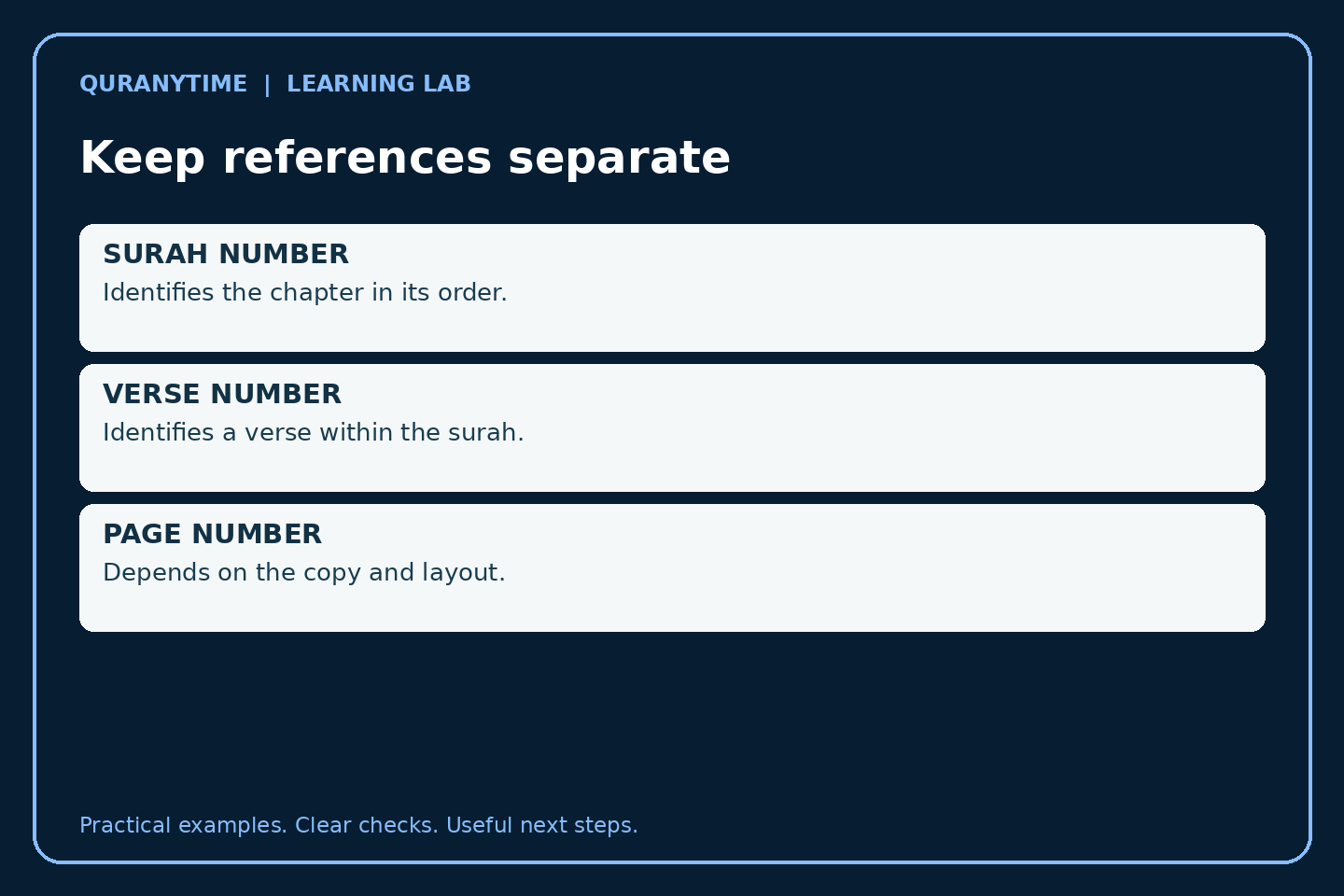
The goal is finding a verified starting place, not learning every surah’s subject or interpreting its verses. Work with a reliable mushaf and a teacher where needed. A surah name, a translation of its name, a surah number, a verse number, and a page number are related references, but they are not interchangeable.
Identify the columns before searching
A contents page may show an Arabic name, a surah number, and a page number. The layout varies. Before using it, find the heading for each column and trace one familiar entry across the row. Do not assume the first number you see means the same thing in every edition.
Use Surah Al-Fatihah as an anchor because its place in the surah order is familiar to many learners. Check how the index prints its name and where the corresponding page entry appears. Then inspect a second entry farther down the page. This confirms the layout without requiring you to read all 114 names.
Our guide to Quran reading divisions explains other navigation units. A juz or hizb reference is not a surah number. Keep these systems separate on a beginner navigation card before practising tasks that combine them.
Connect the Arabic name to the form you already know
Here are a few checked anchors, using the chapter listings on Quran.com’s surah index as a neutral reference:
| Surah number | Arabic name | Common English rendering |
|---|---|---|
| 1 | الفاتحة | Al-Fatihah |
| 2 | البقرة | Al-Baqarah |
| 18 | الكهف | Al-Kahf |
| 19 | مريم | Maryam |
English spellings vary: hyphens, doubled letters, and vowel representations may differ between publishers. Do not conclude that two slightly different transliterations name two different surahs. Check the Arabic name and surah number together. A translated title, such as “The Cave,” is another aid, but it is not the Arabic wording you should expect to decode in the index.
Make cards with Arabic on one side and the common English rendering plus number on the other. Start with four cards. A learner who recognizes only a distinctive shape may pass a fixed-order test, so shuffle the cards and vary their font size. Ask the learner to point out letters they recognize rather than naming the card solely from its position.
Read the whole name, not the first familiar letter
Several Arabic words can share an opening letter or the definite article ال. If you identify only the first shape, you may stop at the wrong row. Trace through the complete name and compare its length and ending. Use your finger or a straight edge to stay on the same index row.
Our Arabic letter forms guide supports recognition in connected writing. Our harakat lesson helps with the marks used in your copy. An index may show fewer marks than the Quranic text itself, so ask a teacher to model the name rather than inventing missing vowels from an English spelling.
Decorative headings can be harder to read than a plain contents list. Begin with the plain entry, then compare it with the surah heading on the actual page. This is a useful bridge: the same name may appear in a different visual style. Do not assume that unfamiliar calligraphy means you have opened to a different chapter.
Use a two-anchor search
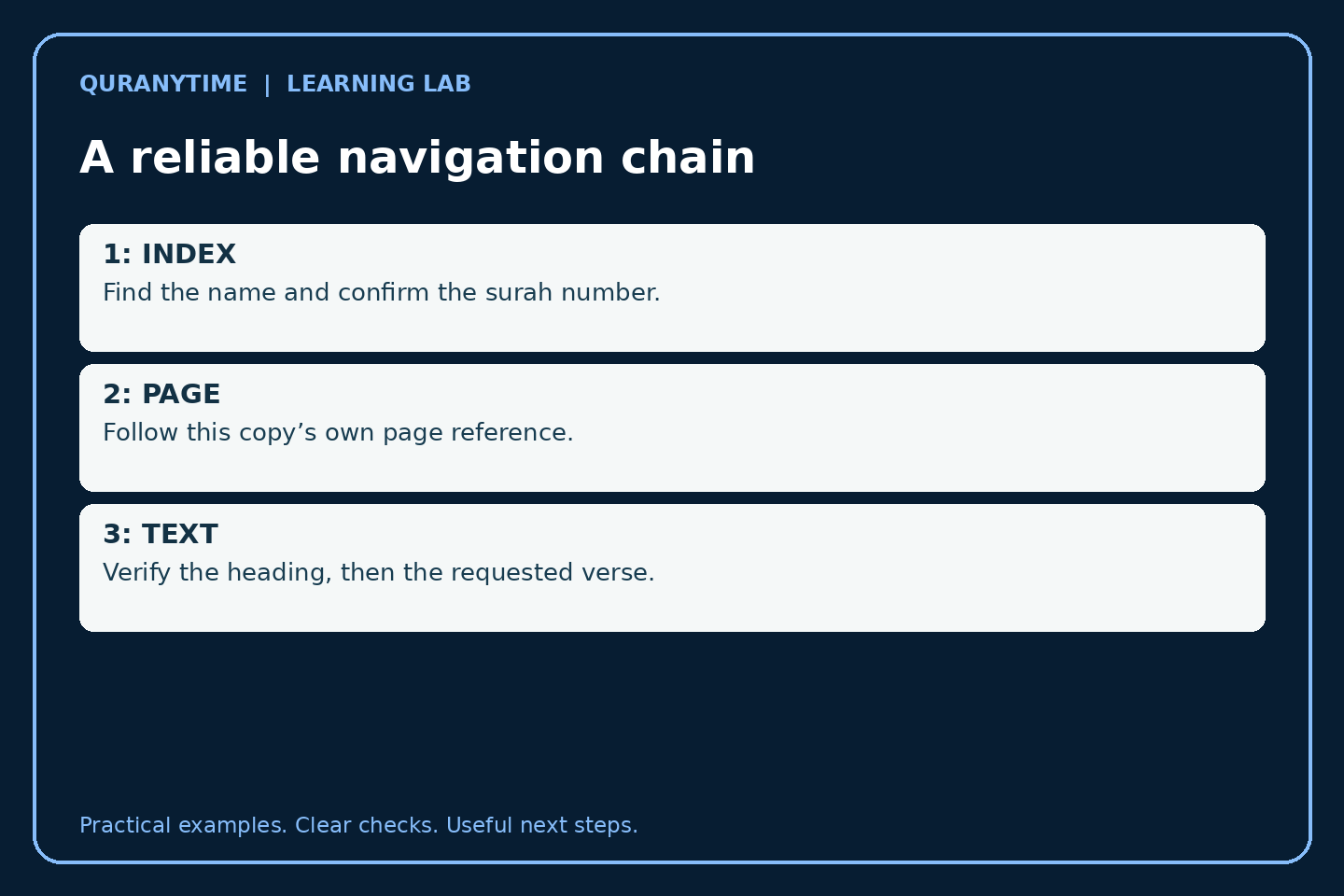
Suppose the task is to find Al-Kahf. First locate the index row by name. Second, check that the surah number is 18. Then read the page reference in that particular copy. Open the page and verify the heading. These checks catch different kinds of errors: a similar-looking name, a slipped row, and an incorrect page turn.
Do not transfer the page number to another edition without checking. The sequence of surahs remains the reference, but page layouts can differ. A family using several mushafs can therefore agree on surah and verse references while each reader finds the page in their own copy.
If your task includes a verse within the surah, add that step only after you have verified the chapter. A reference such as 18:10 identifies a surah and verse, not a page. Find the surah first, then locate the verse number in the text. Ask for help if you cannot distinguish verse markers from other marginal information.
Practise with navigation tickets
A navigation ticket contains a target and a verification question. For example: “Find Maryam. What surah number confirms the entry?” The answer is 19. Another ticket might say: “Find Al-Baqarah in this copy. Show the index row and the surah heading.” That task checks a process instead of rewarding a memorized page number.
Prepare four tickets with a teacher-checked answer key. Mix easy familiar names with one new name. Let the learner use the index; using the tool is the skill being taught. Removing the index too early changes the exercise into memory testing and may discourage someone who is learning to navigate independently.
For children, use a bookmark to mark the index, not the target page. Ask the child to explain each move: name, number, page, heading. Keep it calm and untimed initially. A rushed learner can turn many pages without becoming more accurate. Speed may improve with familiarity, but it should follow a dependable method.
A four-question check
- Does the number 18 in the anchor table refer to a page or a surah? It refers to a surah.
- Can two mushafs place the same surah on different pages? Yes; verify the edition’s own layout.
- Is a translated title identical to an Arabic name? No; it is a meaning aid, not the Arabic spelling.
- After reaching the page listed in the index, what should you check? The surah heading, and then any required verse reference.
These questions are intentionally about navigation. They do not ask you to infer themes, revelation history, or religious rulings from a chapter title. Keep those subjects for appropriately sourced lessons.
Handle transliteration variation calmly
A learner may see Al-Fatihah, Al-Fatiha, or a version with diacritics in English-language material. The practical response is to compare the Arabic and the number, not argue from English typography alone. Transliteration systems represent Arabic sounds with different conventions and have limits.
Our Quranic Arabic listening practice guide can support recognition of spoken names, although general listening practice does not replace a checked model of each name. Ask the teacher to say the target once, let the learner locate its Arabic entry, and then confirm it together.
If you know a passage by an English phrase but do not know its surah, that is a different search task. Use our guide to finding a Quran verse from remembered words or meaning rather than guessing a chapter from a vague memory. Once the reference is verified, return to the index method to locate it in your copy.
Link the index to a lesson assignment
A useful assignment names the surah, the verse range, and the intended activity: reading, memorization, or revision. “Practise page 20” can work when teacher and student use the same edition, but it is fragile when they do not. Add a surah-and-verse reference where possible so the assignment remains identifiable.
Keep the exact assignment in your notes. Our Quran lesson-notes guide can help you record it. Ask the teacher to confirm unfamiliar names before the lesson ends. A one-minute clarification can prevent a week of practising the wrong passage.
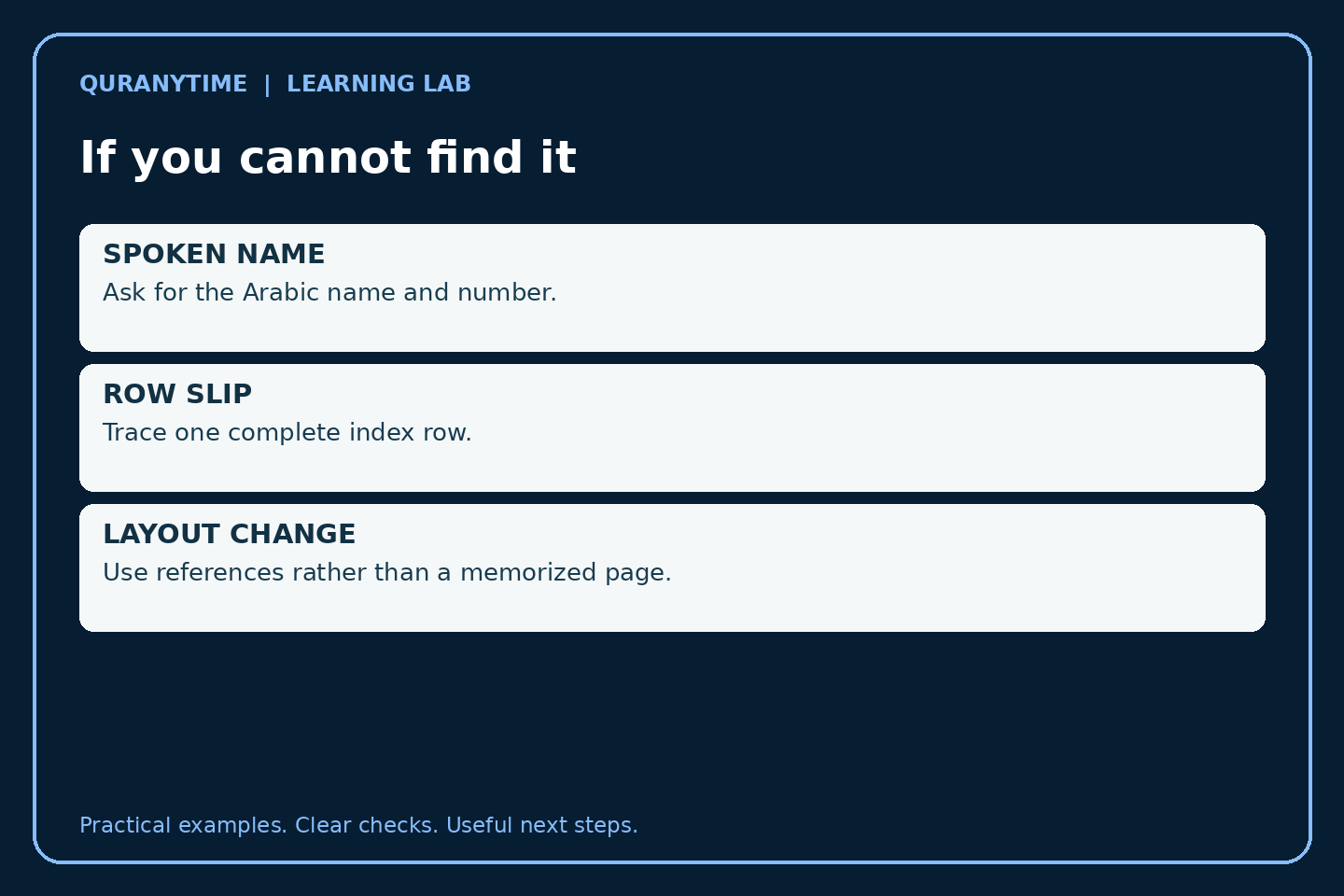
When a child says “I could not find it,” ask which step failed. Was the spoken name unfamiliar? Was the row hard to read? Was the page number confused with the surah number? Did the page turn land just before the heading? Each answer suggests a focused repair instead of a general instruction to pay more attention.
Troubleshoot the physical and digital versions
In a printed mushaf, check for a slipped row, page numbering conventions, or a contents page using a different visual layout. A bookmark or straight edge can help. If a page appears damaged or missing, use another reliable copy and tell the teacher; do not reconstruct text from memory.
In a digital Quran, confirm that the selected item is the surah you intended, not a search result, translation section, or audio playlist. Interfaces differ. Check the visible chapter name and number after navigation, then the verse range. Do not assume that a remembered button position still performs the same function after an app update.
When recitation practice begins, the navigation task is complete but accuracy still needs attention. Our guide to measured Quran recitation can support the next stage. Finding a passage quickly is helpful; it does not justify rushing its reading or skipping teacher feedback.
Check a reference across two formats
If you have both a printed mushaf and a reliable digital Quran, locate one of the four anchor surahs in each. Record the Arabic name and surah number, then compare the navigation steps. The printed copy may use a contents page and page reference; the digital version may use a chapter list. The shared reference is the surah identity, not the number of taps or page turns.
Ask a partner to give the name using a familiar English spelling while you identify the Arabic entry. Then reverse the direction: point to the Arabic name and say its common English rendering. A hesitation in one direction can reveal that you memorized a visual association without recognizing the spoken name.
Do not turn this comparison into a competition between formats. The practical question is which steps you need to verify in the resource you actually use. Once those steps are dependable, add another name or a teacher-approved verse reference. Increasing the task slowly makes it easier to identify whether a mistake came from reading, numbering, or navigation.
A one-week independence challenge
On day one, label the index columns. On day two, match four names to numbers. On day three, locate two surahs using the full name-number-page-heading sequence. On day four, repeat with a different copy if available. On day five, add a teacher-verified verse reference. On day six, explain the method to someone else. On day seven, try a fresh ticket without help, then check it.
This is a suggested progression, not a requirement to finish in seven days. Repeat a stage when needed. The useful outcome is independent, verifiable navigation and the confidence to ask a precise question when something is unclear.
For guided practice, Book a Free Trial Class and bring the mushaf or app you actually use. Ask the teacher to watch your search process. A short lesson can identify the exact point of confusion and leave you with a reliable way to find the next assignment.